
OVERVIEW
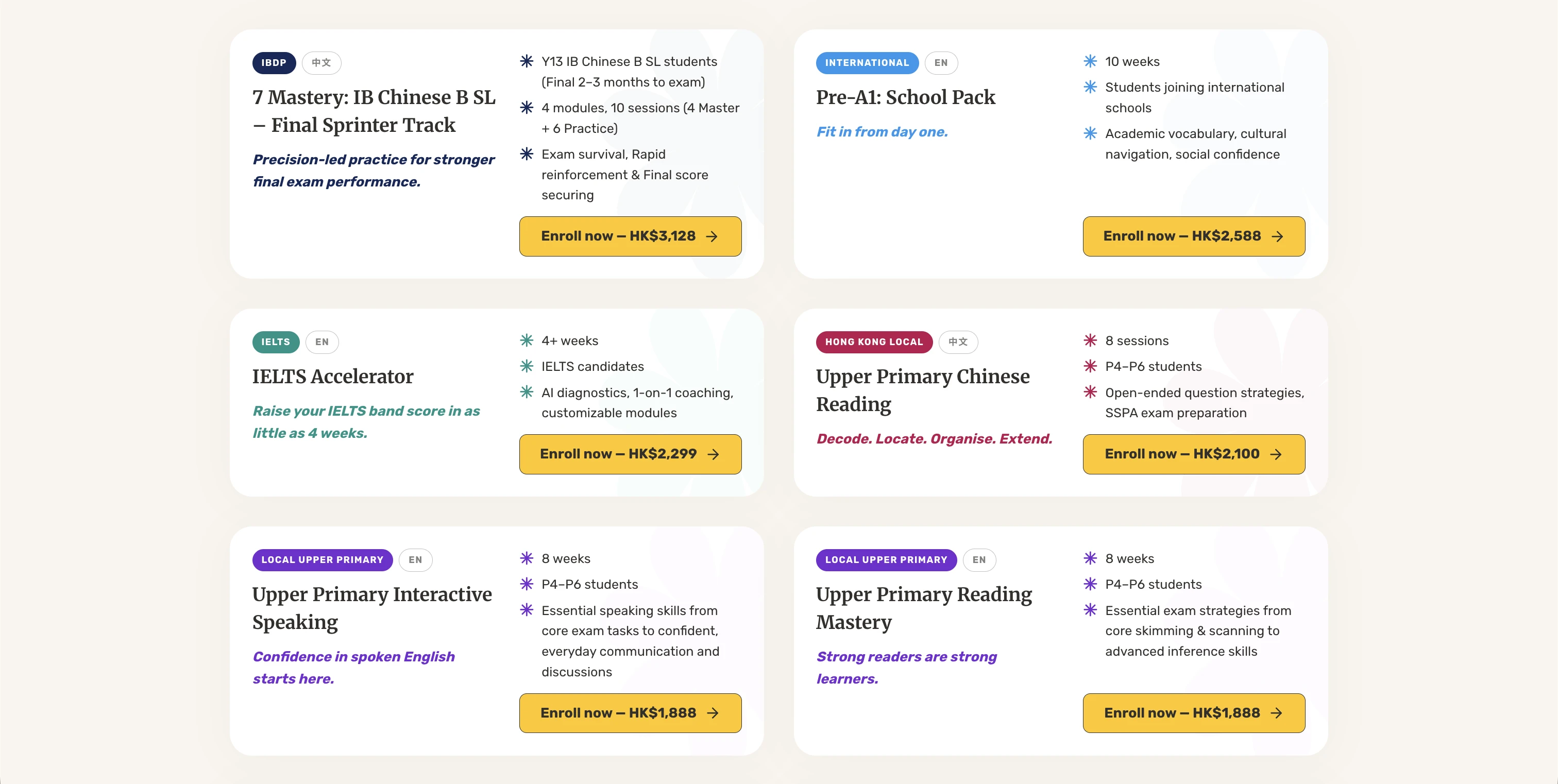
MeeOpp Shop started on Shopify. It made sense at the time: get something live quickly, start selling, and worry about the details later. But as the product grew, the platform started getting in the way. Prices kept changing, customising anything beyond the basics was a headache, and even small updates took longer than they should.
The decision was made to move to a fully custom-built site. More control, no platform limitations, no surprise fees. Claude Code handled most of the initial build, moved fast, and got the site up and running quickly.
The dev team was fully occupied with backend work (Stripe, transactional emails, analytics), so the entire frontend was mine to own. That meant design in Figma, implementation with Claude Code, and pushing, merging, and deploying entirely solo. Moving fast meant cutting corners though. Colours were hardcoded everywhere, fonts were inconsistent, product pages weren't showing up on Google, and there was nothing documented for anyone new joining. Cleaning that up was the other half of the job.
TIMELINE
January 2026 to May 2026
MY ROLE
UX Engineer
THE TEAM
Solo UX Engineer, 1 Product Manager
TOOLS USED
Figma, Next.js 16, TypeScript, Tailwind CSS v4, Claude Code, PostHog, GA4
The Problem
MeeOpp sells dozens of course packs, and almost none of them are alike. Different age groups, different subjects, different session counts, different pricing tiers and bundle rules. So whenever a pack needed a slightly different layout, a different upsell, or a different pricing structure, we ended up fighting Shopify's theme system instead of just building it. It's made for a uniform catalogue, and this wasn't one.
That friction is what pushed the move to a custom build in the first place. But it's also what pushed the team toward shortcuts once they got there. Things got written out manually each time instead of being defined once and reused. Colours were hardcoded wherever someone needed them, there wasn't a single place to manage fonts, product pages had broken or missing SEO, and there was no documentation for a new developer to follow. The site worked, it just had no system underneath it, and no room left to keep customising each pack the way the business actually needed.
Figma to Production — Solo
Everything started in Figma, and that's where the real work happened. The colour system was designed as 10 families with 10 shades each, every swatch documented with hex, RGB, and WCAG contrast ratios against both dark and white backgrounds. It wasn't just picking colours, it was designing a system with accessibility built in from the start. The button library alone covers 11 types across 5 states, 5 sizes, and 5 icon configurations, every combination a developer might need, fully specced before any code was written.
With the dev team fully occupied on backend work (Stripe, transactional emails, analytics), the entire frontend was mine to own. That meant taking those Figma designs and implementing them directly using Claude Code: share the frame, describe the intent, iterate in the browser. What normally takes a handoff between two separate roles happened in a single session.
From implementation I handled everything through to production: reviewing the diff, committing, raising the pull request, merging, deploying. Any UI change, new component, or layout update on the frontend was end-to-end mine — from the first design decision in Figma to the live site.
Design System
Colour was just one piece of it. The whole system was designed in Figma before any of it touched the codebase: colour families with every shade annotated in hex, RGB, and WCAG contrast ratios against dark and white backgrounds, a full button spec covering every combination of state, size, and icon position, and a spacing scale so nobody had to guess a pixel value. The hard work was making these decisions upfront, what the system should contain, how it should be structured, where the accessibility line sits.
Spacing got the same rigour as colour. Figma's spacing scale maps directly onto a 4px grid, documented right in the codebase as a lookup table so a design value like "32" always becomes the same Tailwind class instead of a one-off pixel number. Smaller pieces like the coloured category tags on every pack card follow the same rule: pick a token, not a hex code.
With the system defined, the codebase work was straightforward: pull the colour scales out of Figma and define them in one place in the code. Instead of writing a colour code every time, you reference a name — text-red-6, text-ocean-6. The most-used colours got shorthand names on top (gold, navy, magenta). Design and code stayed in sync because the Figma file was the source of truth throughout.
The migration ran in two passes. First, all 143 hardcoded colour classes were swapped for token names across 52 files. Then, the ~290 colours written directly into individual component styles were replaced across 72 files. After each pass, a search confirmed zero raw colour codes remained.
Fonts got the same treatment. Different parts of the site were using different fonts depending on where they were originally built. I defined a single font stack for the whole site — Rubik for body text, Merriweather for headings, Noto Sans TC as the fallback for Traditional Chinese content (the site runs in both English and zh-TW) — and removed every one-off override in the codebase.

Colour system — 10 families × 10 shades with WCAG contrast annotations

Button library — 11 types × 5 states × 5 sizes × 5 icon configs
SEO Audit & Fixes
I ran a full check across all product pages to see how they were appearing — or not appearing — on Google. The issues added up: some pages were accidentally set to "don't index" so Google was ignoring them entirely. The sitemap (the file that tells Google what pages exist) was returning an error. The bilingual setup between English and Traditional Chinese wasn't signalled correctly, so the wrong version of a page could show in search results. Structured data — the extra product info that shows price and availability directly in Google — had a display bug.
Each issue was fixed at the source and verified: pages unblocked from Google, the sitemap rebuilt and submitted to Search Console, language signals added for both locales, and structured data validated with Google's own testing tool.
Developer Onboarding
The original README was four lines. A new developer joining had no guide — no setup steps, no explanation of how the site structure worked, no walkthrough for adding a new course page. I rewrote it as an 8-step guide aimed at someone who may have never opened a terminal: install the tools, get the code, copy the environment file, then run one command. From there, Claude Code takes over — it starts the server and walks the new person through what the project is and what they can ask for.
I also wrote a setup script — one command after cloning the repo that checks everything is in order: the right version of Node, all dependencies installed, the environment file in place, and the local server confirmed running. No manual steps, no guessing.
Claude Code's session instructions were also extended. Every time a developer opens the project, it quietly pulls the latest code, checks the dev server is running (and starts it if not), then greets the developer with context about the project. If it notices the setup is incomplete — missing files, missing dependencies — it interrupts immediately with instructions rather than letting the developer stumble into errors.
Bug Fixes
The SEO audit uncovered something bigger: 9 product pages were showing up in the navigation and sitemap as real, live pages — but anyone who clicked them got a 404 error. They had been added to the site structure during the build but never actually finished. Because the site runs in both English and Traditional Chinese, each page needs content files for both languages plus a data connection to pull in the product details. All 9 were missing both.
Each page was built out from scratch using the existing course page template — content files created for both languages, data connections wired up, and every page verified live in both English and Chinese. The sitemap was rebuilt after all 9 were confirmed working.
Outcome
The thing Shopify couldn't do is now the easy part. Every pack has its own pricing tiers, session-count variations, and bundle options, all defined through one typed registry file instead of scattered across separate theme templates. Adding a brand new pack means filling in a template and touching four files, not fighting a platform to make it look different from the last one.
No raw colour codes remain in the codebase. Every colour now comes from the token system — change it once in one place and it updates everywhere. Fonts are consistent across every page.
All product pages are now indexed by Google. The bilingual setup is signalled correctly, the sitemap is live and registered, and the 9 ghost pages are working in both languages.
A new team member can go from zero to having the project running locally in a single session — without needing anyone from the existing team to walk them through it.
Reflection
This project made something clear: UX Engineering isn't just about making things look right. It's about making sure the system behind the interface can actually hold up. A design system is only useful if the code uses it. SEO is only done if it's implemented correctly. Documentation only works if someone who has never seen the project can follow it on their own.
The Figma-first approach also proved its value here. Having the design system fully worked out before implementation meant the codebase decisions had something real to follow — not guesswork. Across design system, SEO, onboarding, and bug fixes, the work was always the same thing: close the gap between what was intended and what was actually there.