
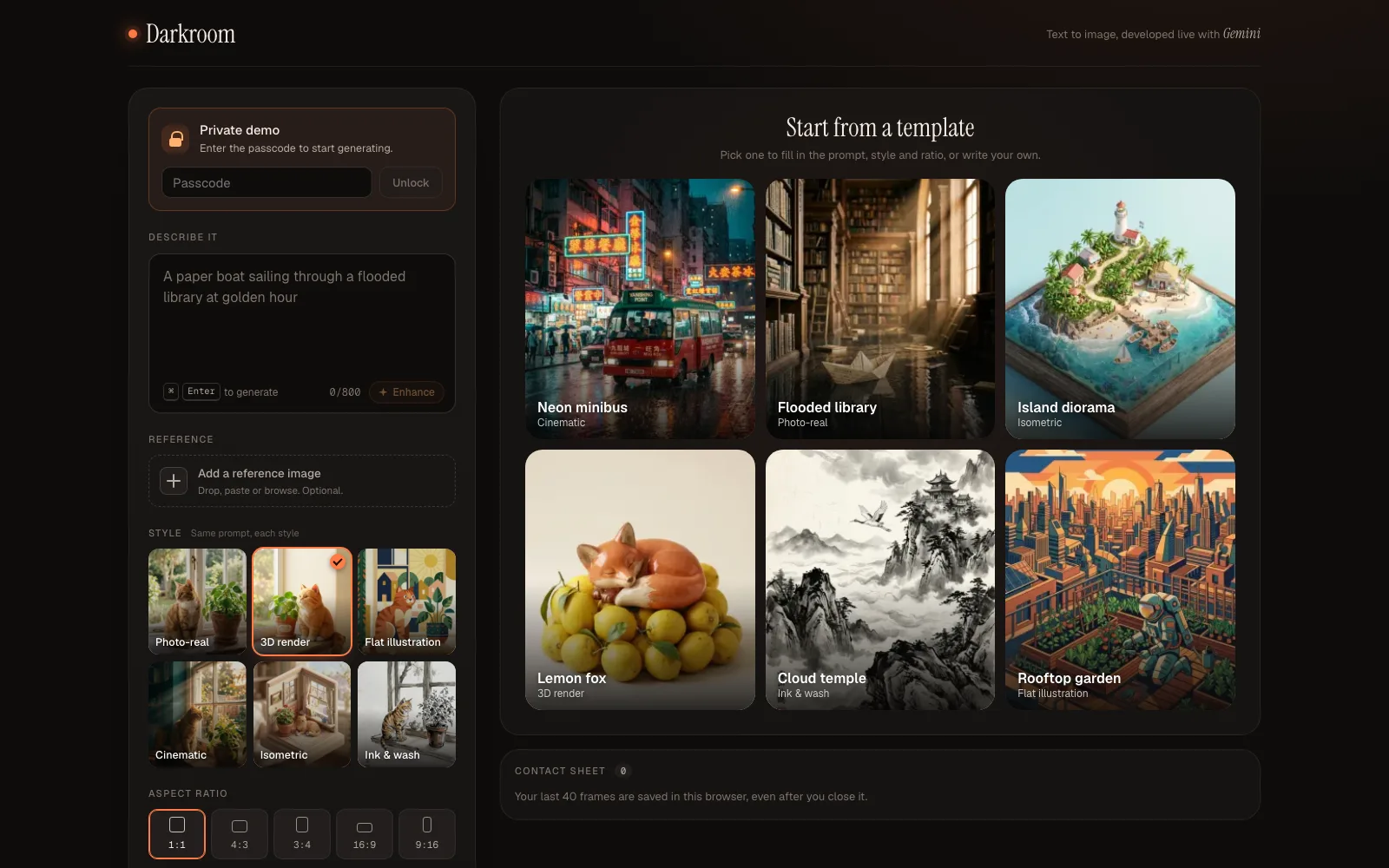
OVERVIEW
Darkroom is a small text-to-image studio I designed and built. You describe an image, pick a style and an aspect ratio, and Google's Gemini image model generates it live. You can start from a template, add a reference image, keep refining a frame with follow up edits, and switch on Show prompt to see how your words became the final prompt.
TIMELINE
Oct 2026
MY ROLE
Solo UX Engineer (Design & Development)
TOOLS USED
Next.js, React, TypeScript, Gemini API, Vercel
The Idea: Make Prompting Visible
Most image generators hide how your words become a prompt. I wanted the opposite: a small studio where you can see exactly what reaches the model, and where the interface feels like a place to work instead of a form to fill in. I built Darkroom to get hands-on with a generative image model, not just text.
Templates and Styles, in Real Output
There are six style presets, Photo-real, 3D render, Flat illustration, Cinematic, Isometric and Ink and wash, and six starter templates. Every preview is real output from the app itself, made by a script that sends the same request the interface sends, so the previews show honestly what each style produces. The style picker says "Same prompt, each style", so you can compare looks without rewriting anything.

Template: Neon minibus (Cinematic)

Template: Island diorama (Isometric)

Template: Lemon fox (3D render)

Style preview: Ink and wash

Style preview: Isometric
Seeing the Prompt, Refining by Conversation
A Show prompt toggle displays the final prompt as colour coded segments: your words, the style preset, the app's own instructions and any image inputs. You can drop, paste or upload a reference image, refine a previous frame with follow up edits, and compare before and after with a slider. An Enhance step can expand a short idea into a detailed prompt. It keeps your subject and can be undone.
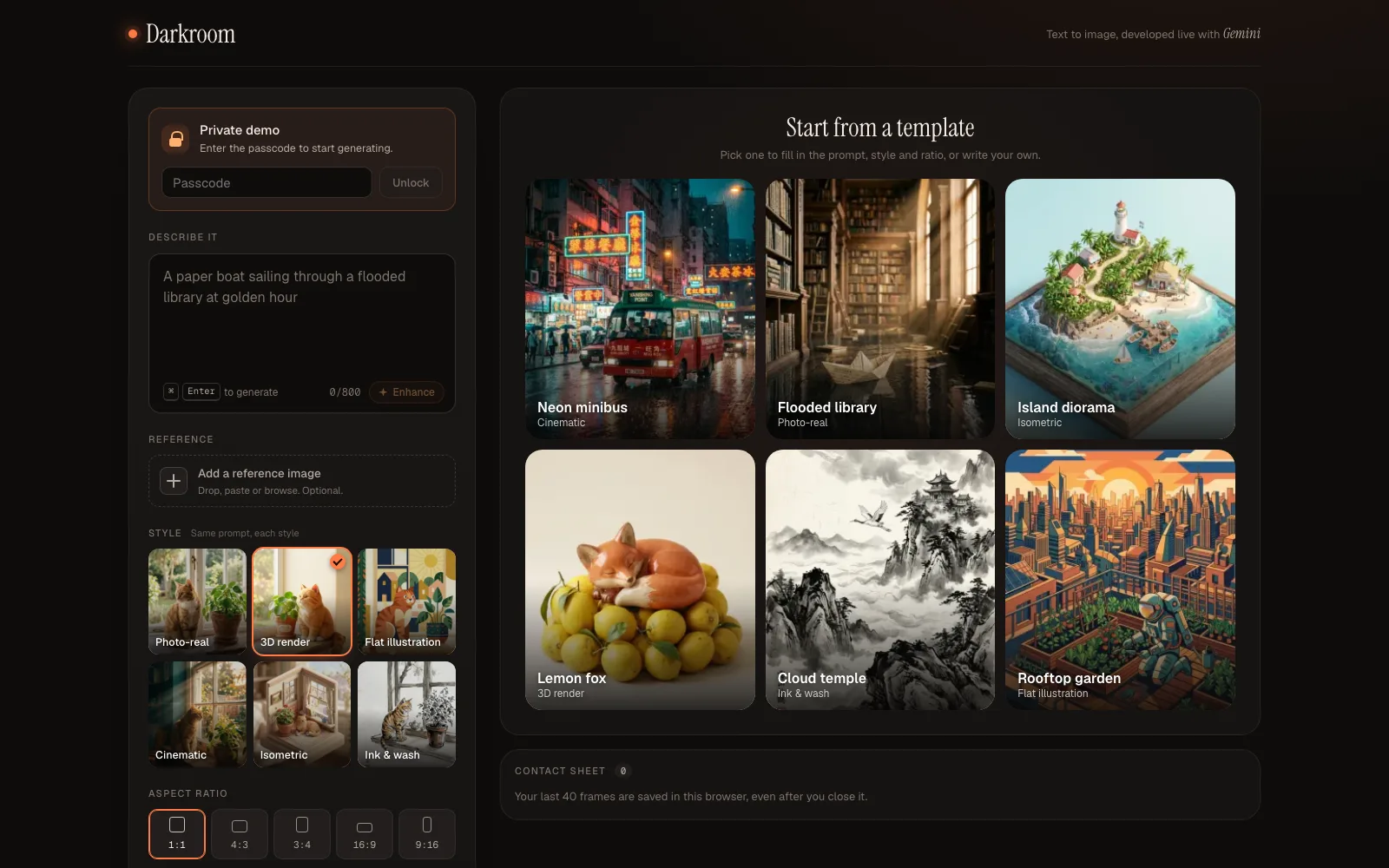
The Darkroom studio: templates, styles and aspect ratios
Built to Be Public, Carefully
Because the live URL is public and every generation costs money, I treated reliability and cost as design problems. The Gemini key never reaches the browser. The server validates input, sets a 55 second timeout, applies a per person rate limit and returns a specific error for each failure, such as a blocked prompt, a rate limit or a missing key, so every failure has its own clear message and a retry. Your last 40 frames are saved in your own browser, not on a server.
The live demo runs on prepaid credits behind a passcode, so generation can be unavailable. The templates and style previews are always visible.